Written for the comparison moment
Courses, timetable and seat availability, who teaches, what it costs, where it is, and how to start. The order of the front page follows the order a parent asks those questions in.
Abira Series · WordPress Block Theme
Abira Academy is a commercial block theme for independent juku and tutoring businesses. Activate it and the front page is already there — courses, timetable, instructors, voices, enrollment steps, FAQ, access, and a free-trial CTA — laid out the way a parent compares schools.
10
front-page sections
4
ready-made page templates
0
custom post types
WCAG 2.2 AA
the standard it is built to
Who it is for
Abira Academy targets independent and small multi-location schools — not chains. The design answers the practical questions a parent asks while comparing options, and ends on a free-trial inquiry.
Courses, timetable and seat availability, who teaches, what it costs, where it is, and how to start. The order of the front page follows the order a parent asks those questions in.
Every section is a block pattern made of core blocks. No page builder, no shortcodes, no settings screen to learn — select a card and type over it.
The audience is parents, often reading on a phone at night. Generous line height, a calm navy-and-amber palette, and a text-size and contrast toolbar in the header.
Front page
The front page is a single-page layout assembled from independent patterns. Reorder them, delete one, or copy a section onto its own page from the Site Editor.
core/details block.An alternative Exam Results pattern is also included — a full-bleed photo under a fixed 80% dark overlay, so the numbers stay readable over any photo the owner uploads. Swap it in above the hero if results are the school's strongest pitch.
Try it here
Three of the theme's own components, running on this page. They behave here exactly as they do in the theme.
Weekly schedule
Status in words, not colour
| Period | Mon | Tue | Wed | Thu |
|---|---|---|---|---|
| 1 · 4:00–5:30pm | ElementaryOpen | — | ElementaryOpen | — |
| 2 · 5:40–7:10pm | Middle SchoolOpen | Middle SchoolFull | Middle SchoolOpen | Middle SchoolFew seats |
| 3 · 7:20–8:50pm | — | High SchoolOpen | — | High SchoolFew seats |
A plain static table the owner updates by hand — deliberately not a booking system.
Accessibility toolbar
Press the buttons
No entrance test, no obligation, and no follow-up sales calls.
Few seatsIn the theme both settings persist in localStorage and are restored before first paint — a returning visitor never sees a flash of the default.
FAQ accordion
Native <details>, no JavaScript
Yes — the pattern ships with five sample questions like this one, each a core/details block you rewrite in place.
Keyboard and screen reader support come from the browser's own element, so there is no bespoke widget to break on update.
Design tokens
All in theme.json
Deep navy for structure, warm amber reserved for calls to action, over warm ivory. Type is three stacks of fonts already on the visitor's device, a Latin face first with a Japanese gothic behind it, and no webfont request — colours, sizes, spacing, and radii are all editable presets, so restyling means changing a value, not a stylesheet.
Beyond the front page
Create a Page with the matching slug and the layout is applied automatically — nothing to paste.
A full breakdown by school level, with the group and private tracks side by side.
A pricing table with the enrollment fee and materials kept in a separate note.
Inquiry form layout, map, opening hours, and a phone banner.
One card per location. Duplicate a card to add a room; delete the rest for a single-room school.
Core templates for index, blog home, single, page, archive, search, and 404 are all styled to match, plus two custom templates — Blank and Page (No Title) — in the template picker for pages you want to write yourself.
Accessibility
Abira Academy is built to WCAG 2.2 AA, checked with axe DevTools, WAVE, and the WebAIM contrast checker, plus keyboard-only passes and NVDA testing. Accessibility was part of development, not a layer added at the end.
Three explicit size buttons — not a hidden cycling toggle — and a contrast switch, both saved in localStorage and re-applied before first paint.
Seat availability and every other state carries a written label, so it survives the high-contrast mode and colour-blind vision alike.
Semantic landmarks, the block-theme skip link, a 2px focus outline, and native <details> instead of a custom accordion.
Scroll reveals are skipped entirely under “reduce motion”, and every section stays fully visible with JavaScript disabled.
No formal third-party audit has been completed for Abira Academy's own patterns; accessibility is reviewed as part of each release. The full statement ships as accessibility.txt.
How it is built
Specifications
| Theme name | Abira Academy |
|---|---|
| Version | 1.2.0 |
| Price | ¥12,800 — one-time purchase |
| Type | Commercial WordPress block theme (full site editing), distributed independently — not listed on WordPress.org |
| Base | Built on the Abira foundation, the free block theme on WordPress.org. A standalone theme, not an add-on and not a freemium upgrade. |
| Requires | WordPress 6.5 or later · PHP 7.4 or later · tested up to WordPress 7.1 |
| Languages | English (source) and Japanese (ja.po / ja.mo). Translation-ready with a bundled .pot. |
| Typography | Three stacks (display / body / label) built from fonts already installed on the visitor's device: a Latin system face first, then Noto Sans JP and the other Japanese gothic fallbacks. No webfont is loaded and no external request is made. |
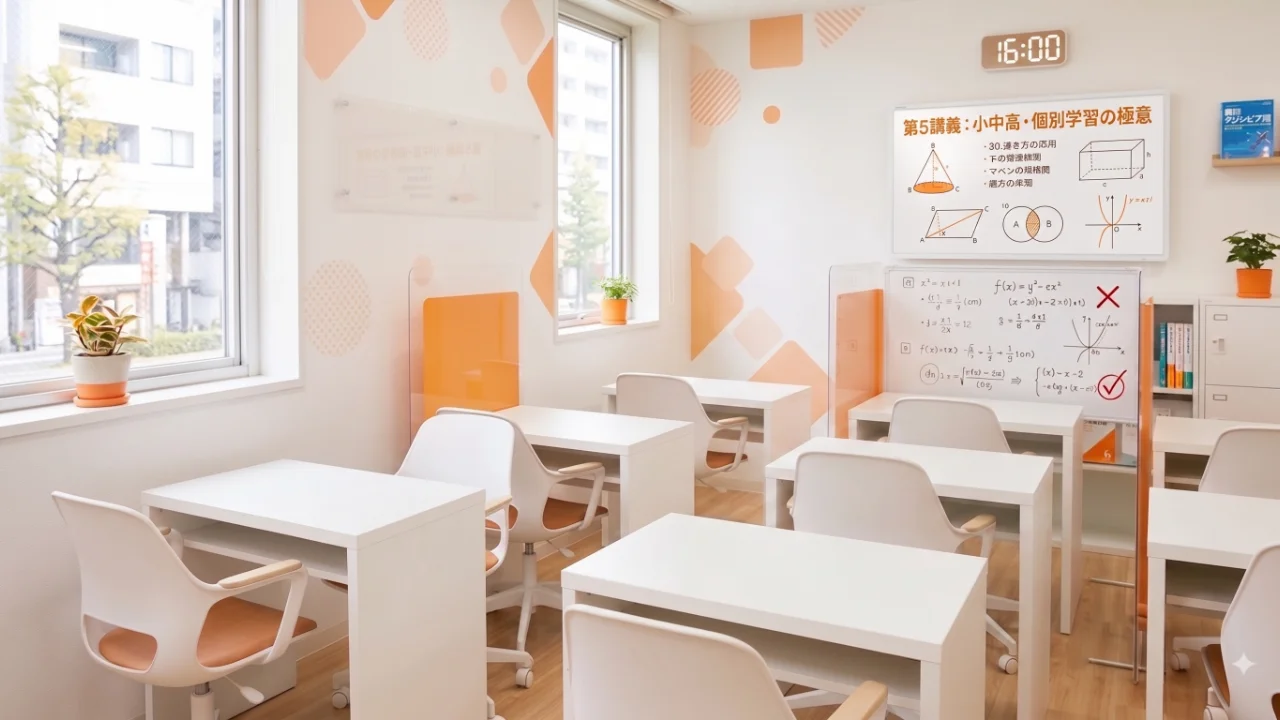
| Images | Two demo images bundled in the theme, generated with Google Gemini, © 369work. Meant to be replaced with photos of the school. |
| Licence | GNU General Public License v3 or later |
| Author | 369work · 369theme.com |
Before you buy
No. Abira Academy is a standalone theme built on the same foundation. Install it on its own; the free Abira theme is unrelated to your purchase and stays as it is on WordPress.org.
Each photo is a regular Image block — select it in the Site Editor and use Replace → Open Media Library. The phone number ships as the placeholder tel:03-XXXX-XXXX in the header, mobile action bar, hero, and trial CTA; search the front page and replace each one.
Create a Page with the slug classrooms and the layout loads automatically. Duplicate the card block to add a location, or delete the extras if the school runs a single room. There is no classroom post type to manage.
Yes — that is what the pattern structure is for. Copy a section onto its own page using the Blank template, then update the navigation link and any in-page anchor links. No theme change, no rebuild.
Yes. Create a child block theme and override any template, pattern, or style. The theme is GPLv3, so you are free to modify it for the site you build.
No. It makes no external font request and bundles no font files, so nothing on the page depends on a third-party host. Typography uses the fonts already installed on the visitor's device, set up as three stacks in theme.json. If you want a webfont, add the family with the Font Library (Appearance › Editor › Styles › Typography) or load it from a child theme, then put its name at the front of the matching stack. Keep the Japanese gothic entries after it so Japanese text still has a face to fall back to.
The Latin faces at the front of each stack carry no Japanese glyphs, so Latin renders in them and Japanese falls through to the system gothic behind. This is intended.
If you build sites for clients
There are no custom post types, so the client can edit the site themselves, and their content survives a future theme change. Every section is core blocks, which means training the client is just explaining WordPress.
Colours, sizes, spacing, and radii are theme.json presets, so restyling for a client means changing values, not writing a stylesheet. Child themes are supported, so anything project-specific stays out of the theme. Beyond cram schools, the same structure — courses, timetable, instructors, tuition, access, trial booking — fits music schools, language schools, and small studios of most kinds.
Activate, replace the photos and the phone number, and the site is ready for parents. ¥12,800, one payment, GPL licensed.
Part of the Abira Series. Abira School (swimming and dance) and Abira Public (nonprofits) follow.